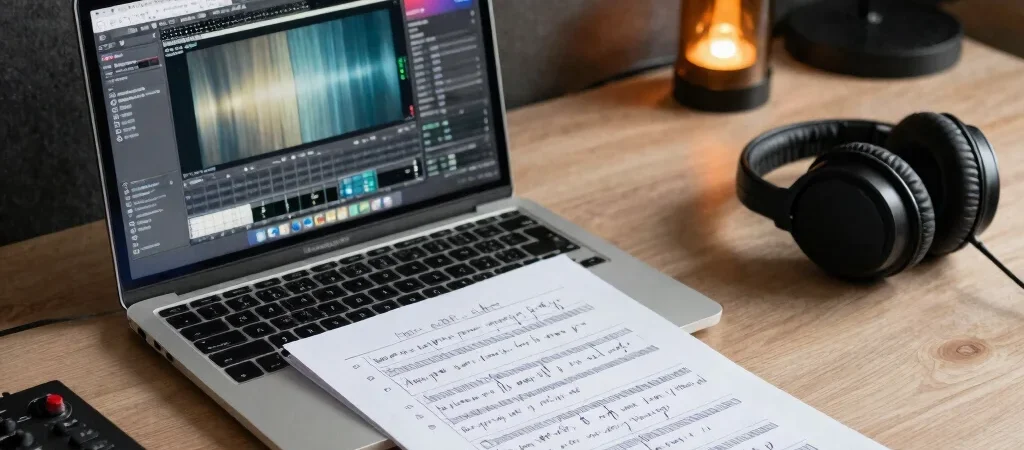
You open a new project to capture an idea, then spend the first ten minutes rebuilding the same routing and naming tracks. A useful template can get you past that repetitive setup, but only if it fits the way you actually record.
Automate the repeatable parts
Start with steps you perform across many sessions: a sensible track layout, clear names, basic bus routing, and markers for common song sections. Keep the setup lean enough that you can adapt it when the next project is a single vocal take instead of a full band.
Avoid baking in choices that depend on the song or performer. Fixed effects, heavy processing, and elaborate routing can make a template feel finished while adding work when you need a dry signal, a different monitoring path, or a quick sketch.
Check what a download needs
Before using a purchased template or preset, check its supported software version, included files, and any required plugins. A preset may only load correctly with a particular instrument or plugin, while a session template can reference media or routing features that are not available in your setup.
Save a copy of a project before importing unfamiliar settings, then test the download with a short, disposable session. That small check makes it easier to spot missing dependencies without disrupting active work.
Keep the workflow yours
Treat presets as starting points, not instructions. A vocal preset built for one microphone, room, and singer may need substantial adjustment elsewhere; listen in context and change settings to serve the source rather than forcing the source to fit the preset.
The best template is not the one with the most tracks or controls. It is the one that removes a familiar obstacle and leaves you ready to make the next musical or engineering decision.